App Windows
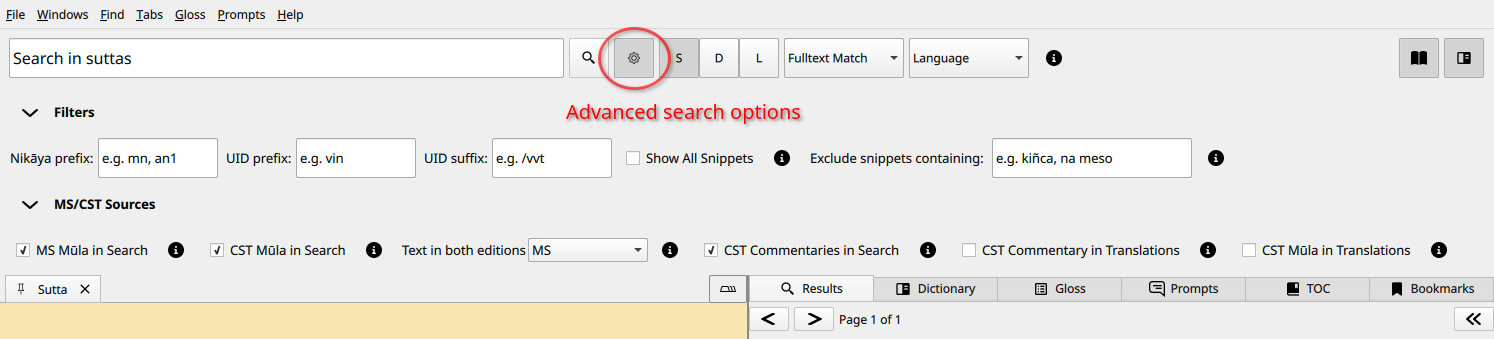
Sutta Search

Search Result Filtering
Gloss Tab
Select a passage in the reader panel and click the Gloss icon:
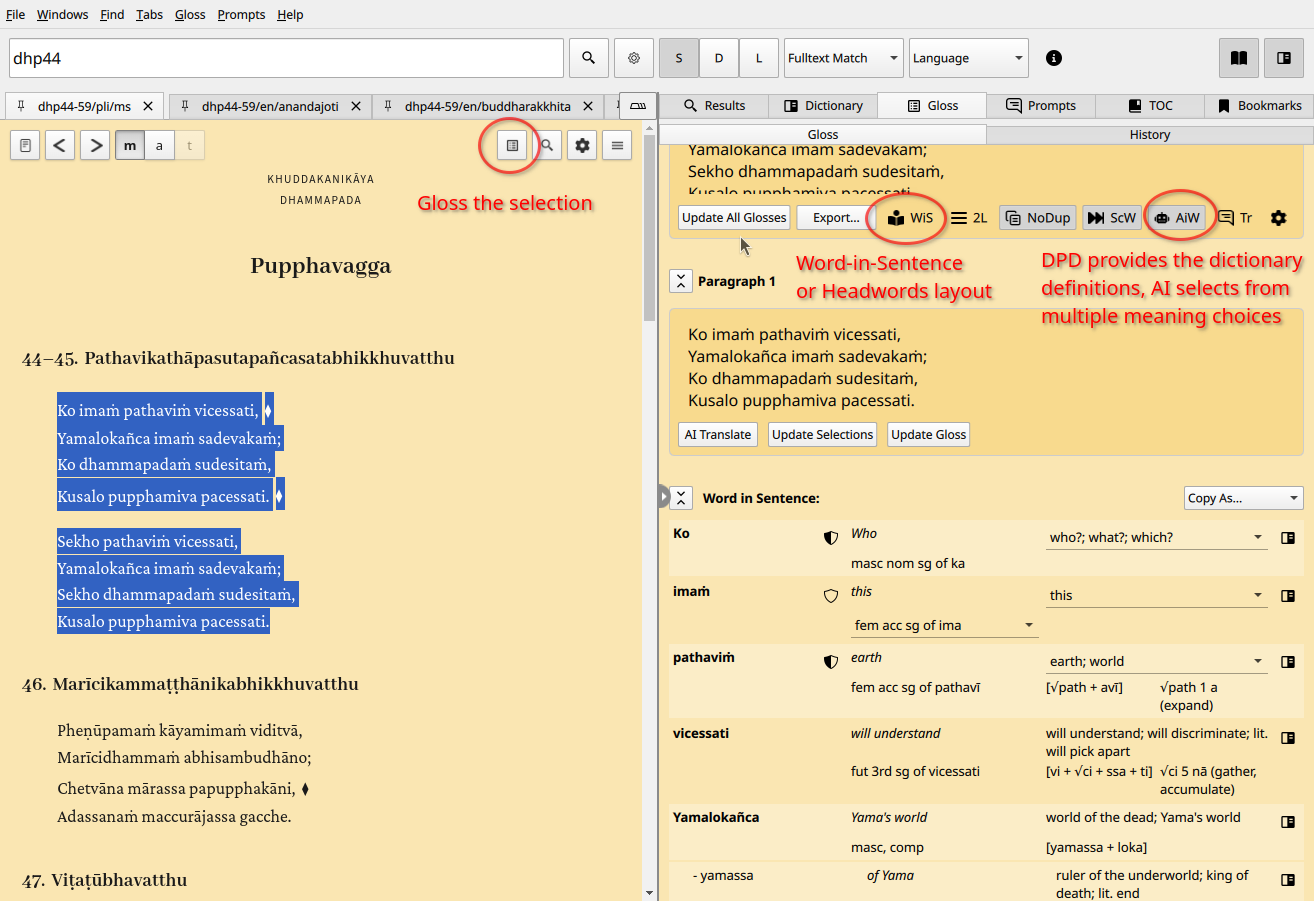
The default is two rows per word but there is an option for a one row layout. The previous more simple “Headwords” layout can be toggled.
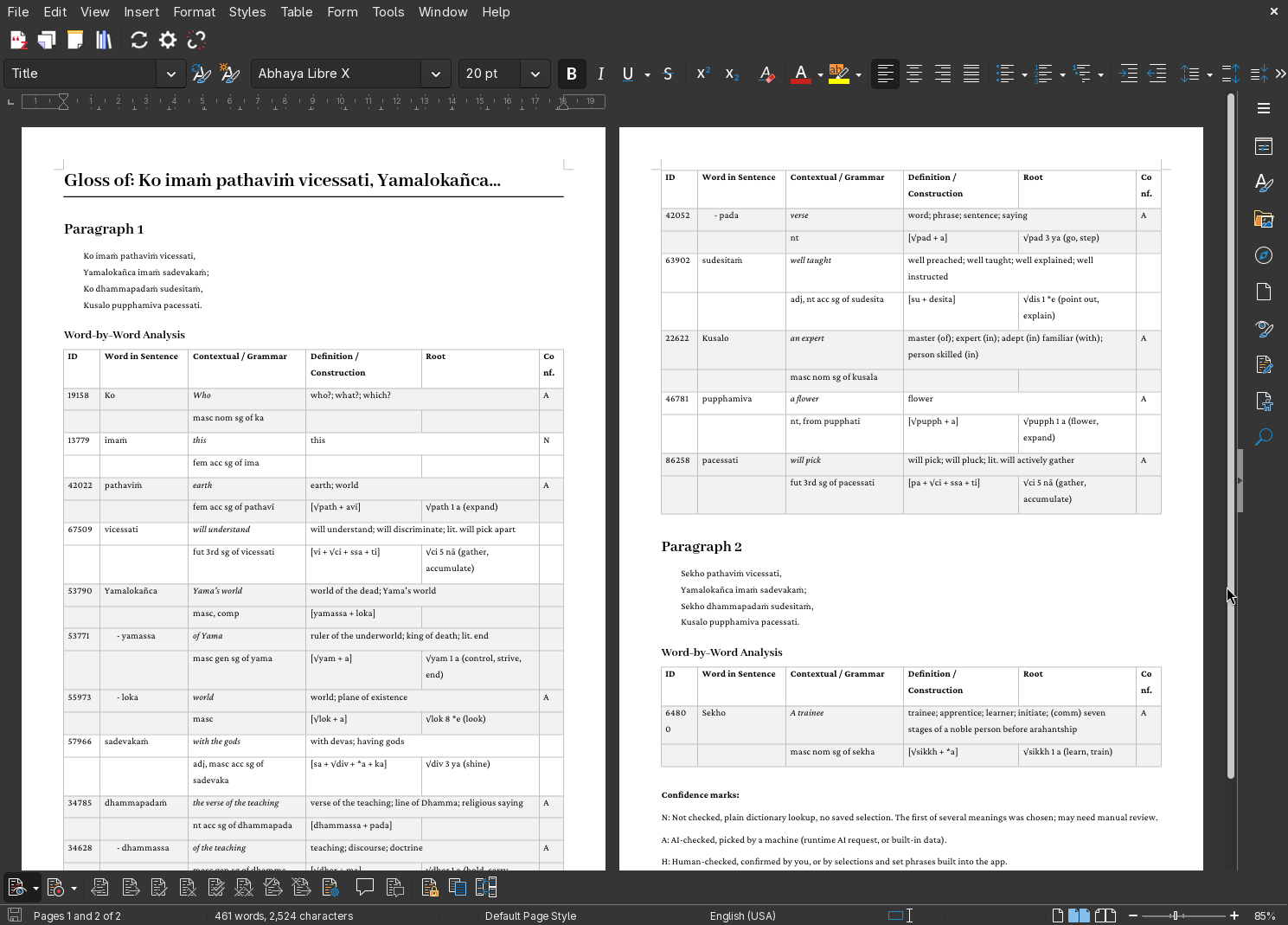
It exports to a number of formats such as DOCX. The same glossing task can be done with the simsapa CLI as well.
Reading Layout Display Settings
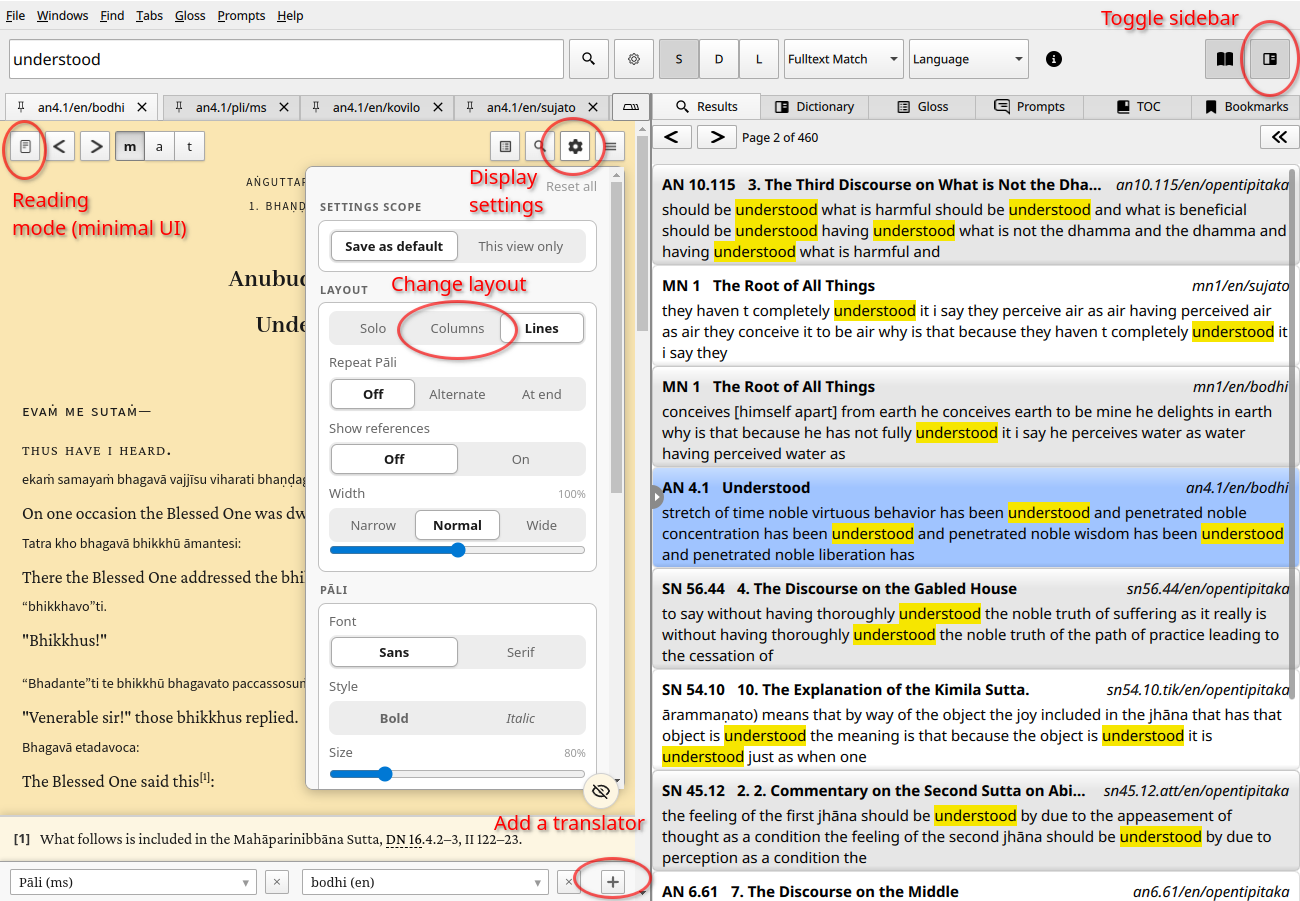
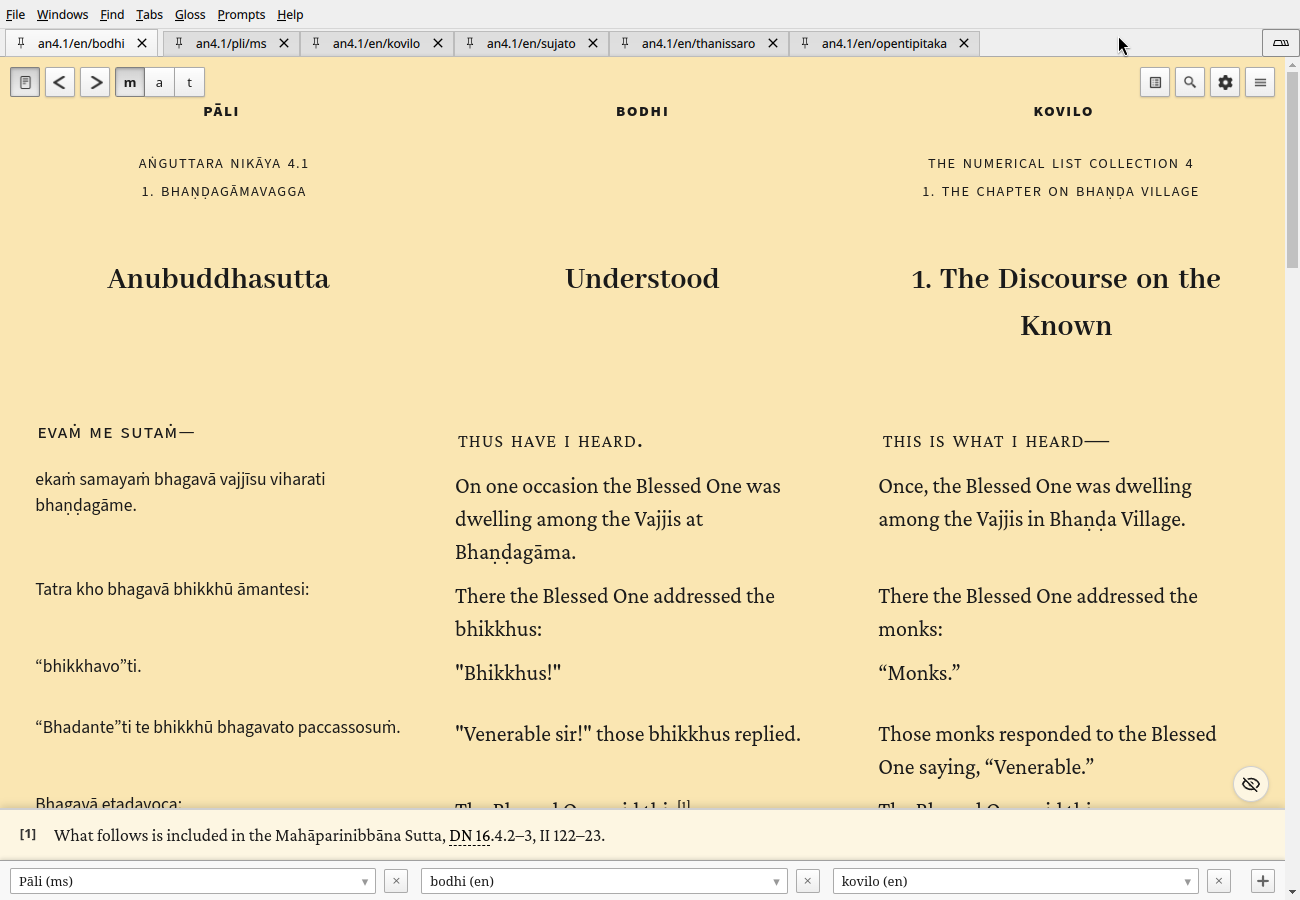
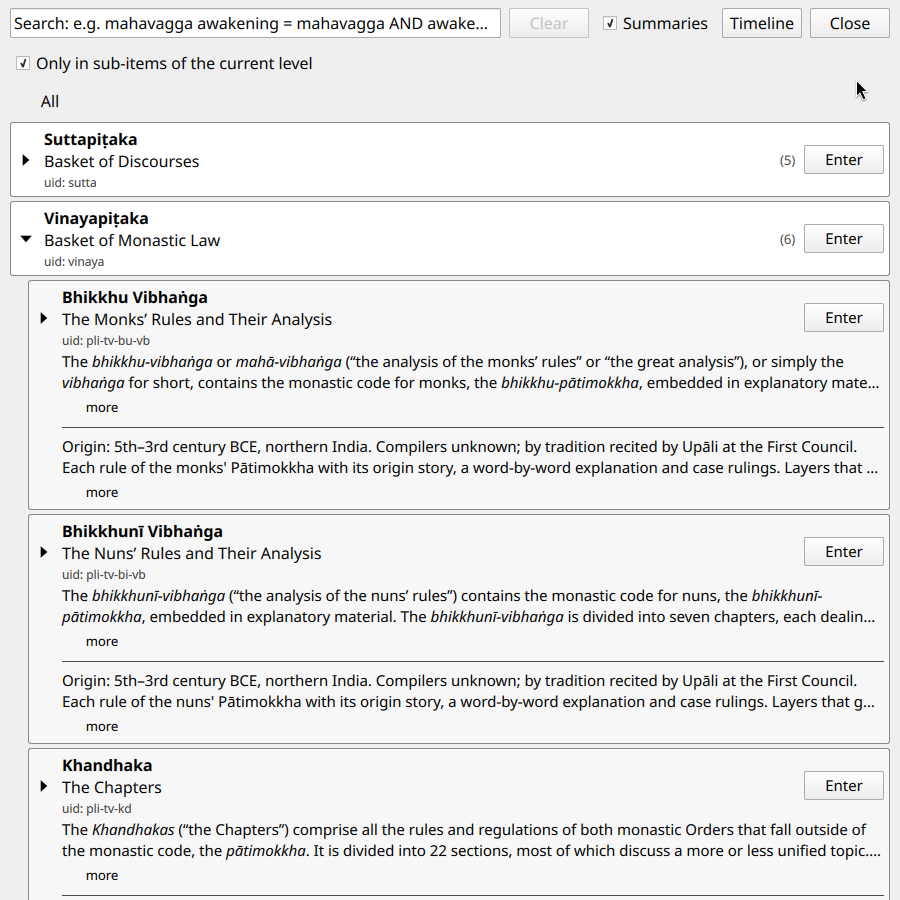
Sutta Navigation
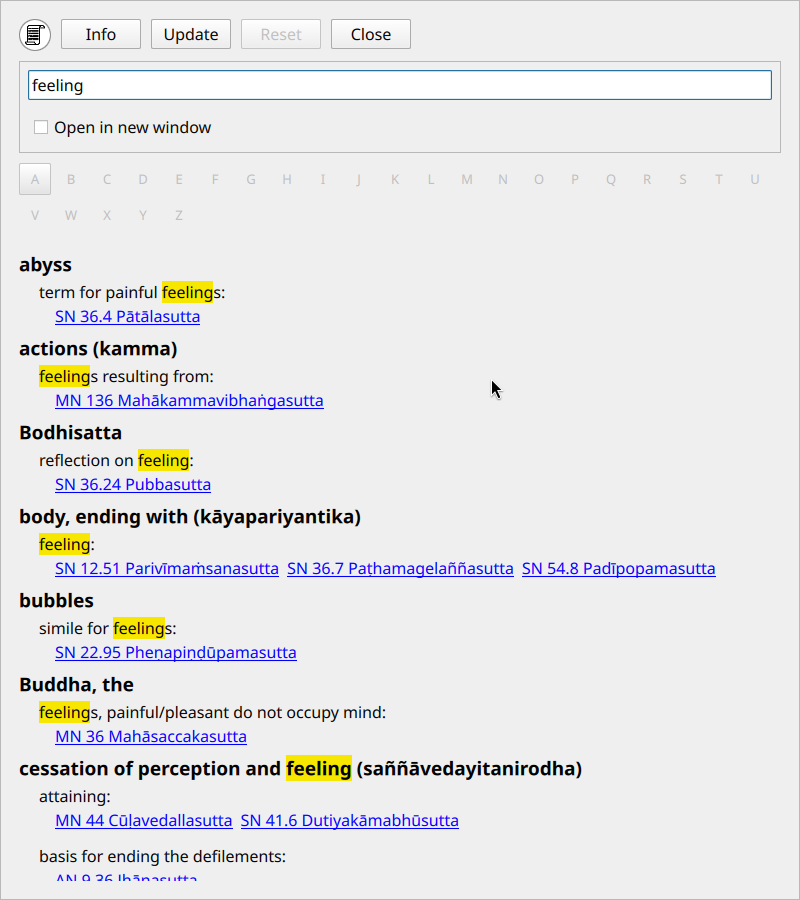
Topic Index
CIPS Topic Index (Comprehensive Index of Pāli Suttas) by Ven. Khemaratana
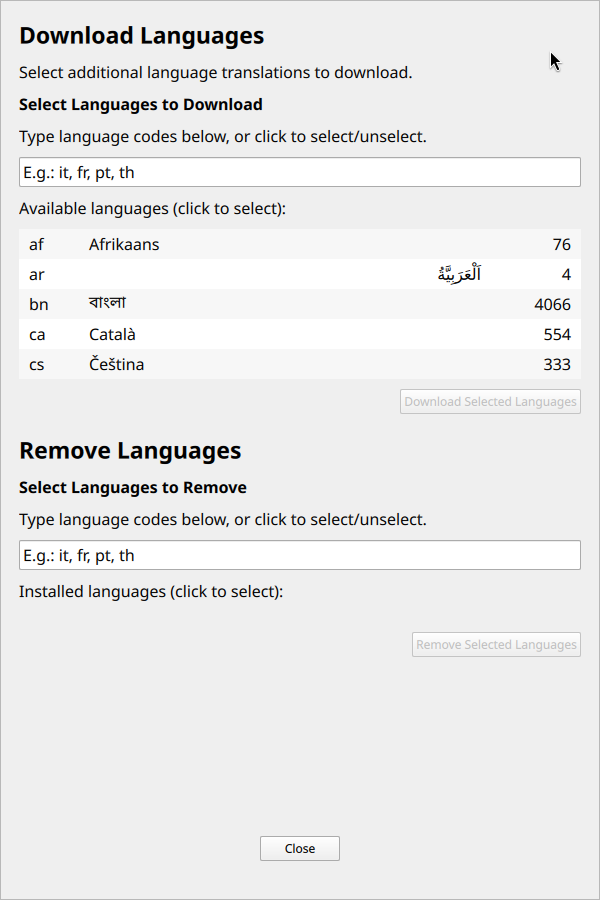
Sutta Languages
Translations from SuttaCentral
CLI with Agents
An npm package provides cli interface to Simsapa for humans and AI agents, which uses the same database as the GUI app.
npm install -g @simsapa/cli
More info: Command Line and Localhost API
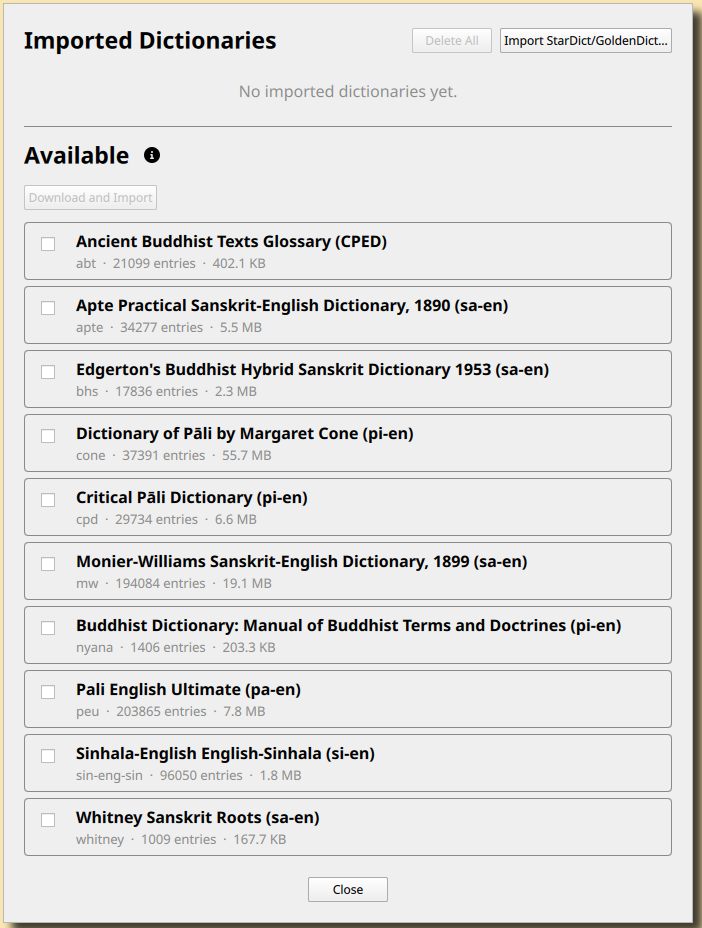
Dictionary Import
In Windows > Dictionaries additional dictionaries can be imported. The selections automate importing from digitalpalidictionary/other-dictionaries, but custom StarDict / GoldenDict format .zip dictionary files can also be imported.